It’s a fair question, especially if you’ve always associated faxing with a dedicated phone line and a clunky machine in the corner of the office. The short answer is no. With eGoldFax, businesses can send and receive faxes securely without a landline, a fax machine, or a fax board. This guide explains how traditional faxing works, why the landline model is outdated, and how modern cloud fax technology is a better solution for businesses of all sizes.
To see why a landline isn't necessary for faxing anymore, it's useful to understand how traditional fax machines operate.
A traditional fax machine scans a document, converts it into audio tones, and transmits those tones over an analog phone line to another fax machine, which then decodes and prints the document on the other end. The entire process depends on a dedicated landline connection, which is why fax machines have always required one.
This model comes with some significant limitations:
• Analog phone lines are expensive to maintain and increasingly difficult to source as carriers phase them out.
• Fax machines can only handle one transmission at a time, making busy signals a common frustration.
• Someone has to be physically at the machine to send or receive, making it inaccessible for remote teams.
• Hardware failures, paper jams, and toner issues mean downtime at the worst possible moments.
No, and this is one of the most persistent myths about faxing today. The assumption that faxing requires a landline made sense when fax machines were the only option. Modern cloud fax technology has completely changed that.
With eGoldFax, your document is converted into a fax-compatible format, digitally encrypted, and transmitted securely over the PSTN (Public Switched Telephone Network) via your internet connection. The recipient gets a fax just like they always have, whether they’re on a traditional fax machine or another cloud fax platform. You get all the reliability of faxing without any infrastructure.
When businesses start researching how to fax without a landline, they often come across Fax over IP, or FoIP. It’s worth understanding what it is and why it’s not the best solution.
FoIP works by converting fax transmissions into data packets and sending them over a VoIP internet connection, the same technology used for internet phone calls. On paper, it sounds convenient, but in practice, FoIP has well-known reliability issues. Fax transmissions are extremely sensitive to packet loss, jitter, and latency, all of which are common on VoIP networks. Even small disruptions can cause failed transmissions, garbled documents, or dropped connections mid-send.
eGoldFax does not use FoIP or SIP-based transmission. Instead, eGoldFax uses TDM (Time Division Multiplexing) fax connectivity with multiple redundant carriers, the same reliable circuit-switched infrastructure that ensures the highest fax quality, uptime, and coverage. You get the reliability of traditional fax transmission with the convenience and security of cloud technology. eGoldFax does not use FoIP or SIP-based transmission. Instead, eGoldFax uses TDM (Time Division Multiplexing) fax connectivity with multiple redundant carriers, the same reliable circuit-switched infrastructure that ensures the highest fax quality, uptime, and coverage. You get the reliability of traditional fax transmission with the convenience and security of cloud technology.
eGoldFax gives businesses four flexible ways to send and receive faxes without a landline:
Send faxes directly from your existing email client without any extra software. Attach your document to an email and address it to the recipient’s fax number, followed by @egoldfax.com(for example, 8005551234@egoldfax.com). eGoldFax automatically converts and delivers it as a fax, encrypted with TLS 1.2 in transit, ensuring compliance.
Log in to your eGoldFax account at my.egoldfax.com through any browser, upload your document, enter the recipient’s fax number, and send. The portal gives you a full fax history, delivery confirmations, and tools to manage users, routing rules, tags, and cover pages, all in one place.
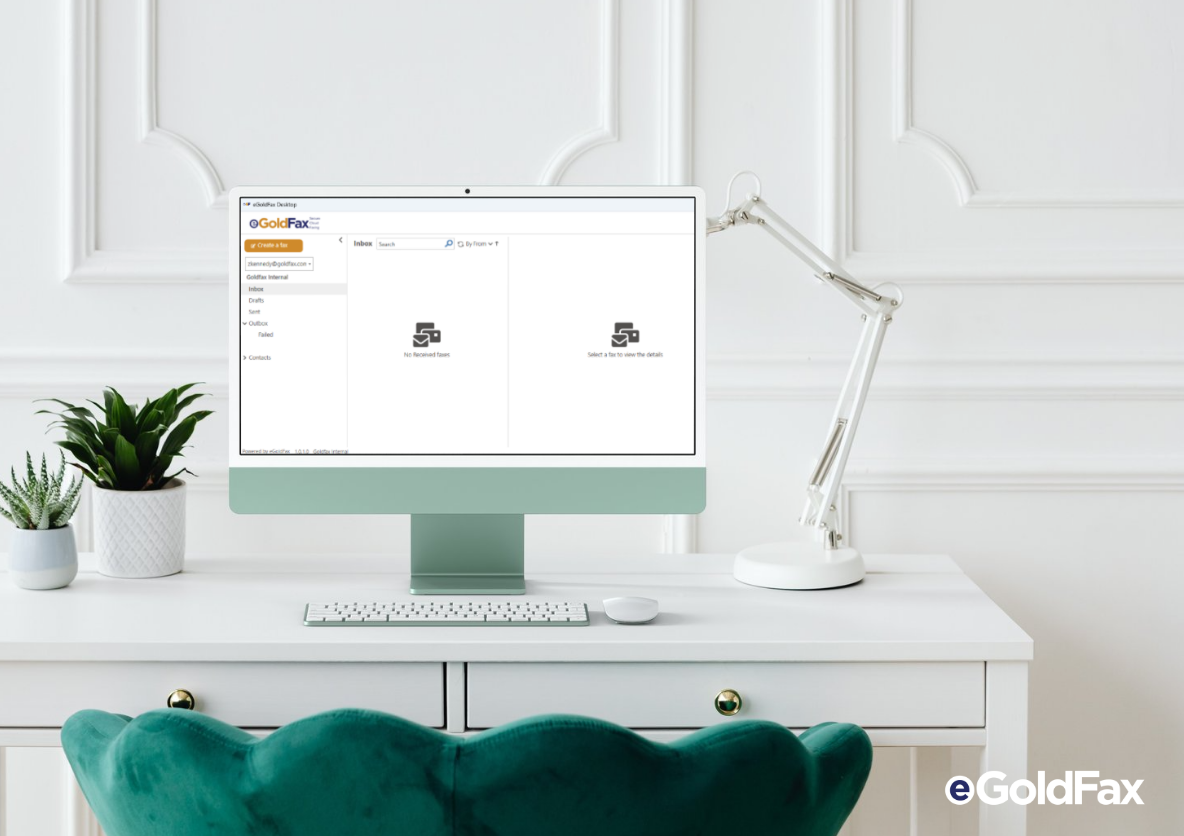
The eGoldFax Desktop App is a Windows application that lets you fax directly from your computer using any application that supports printing. Select "Print to eGoldFax," attach your files, add a subject line or cover page, choose your recipients from Contacts, and send. Inbound faxes arrive in your inbox, where you can search, sort, and tag them for easy organization. Real-time outbox tracking shows whether each fax was delivered successfully, and confirmations can be sent to your email, a network folder, or a printer.
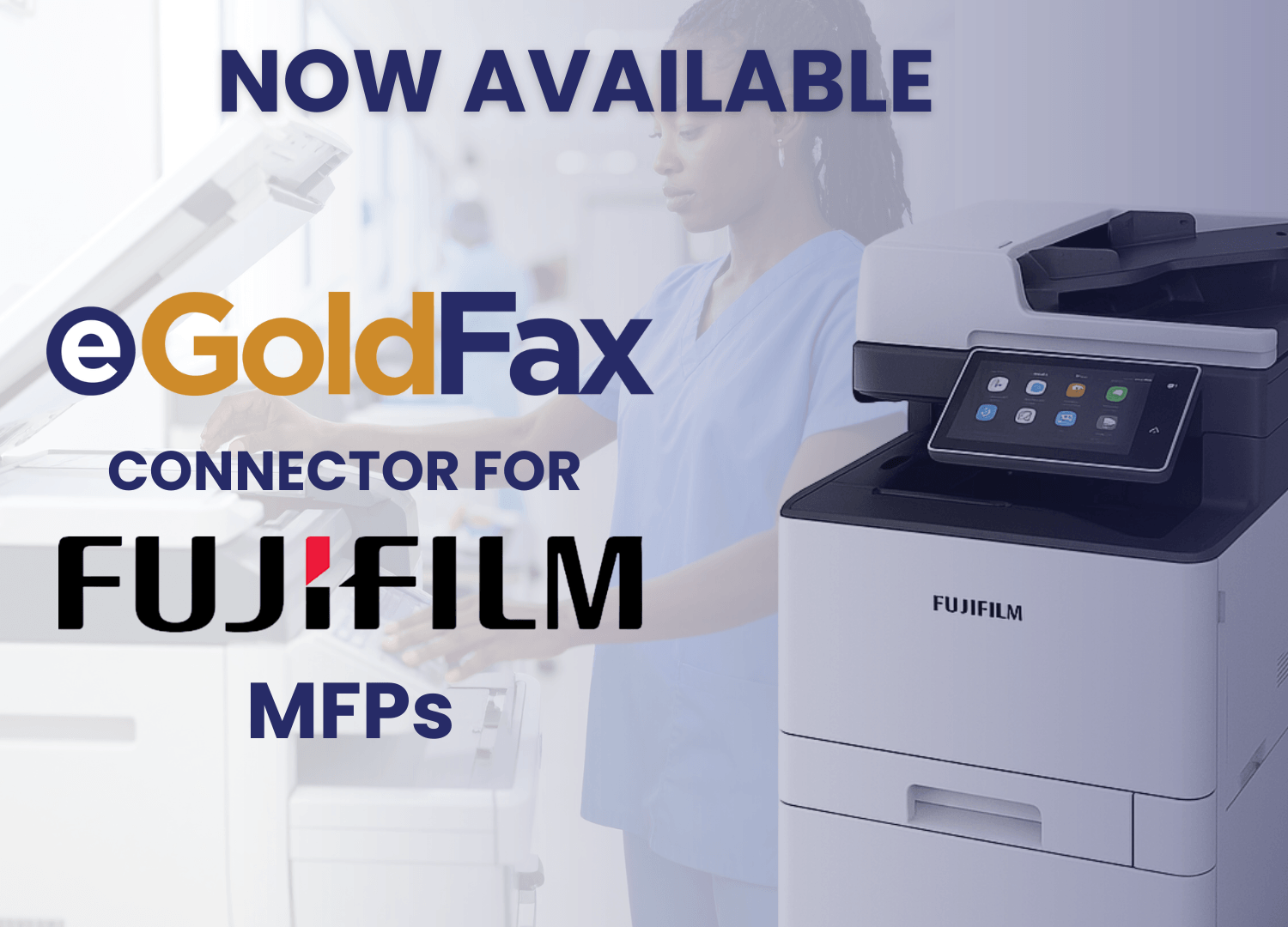
eGoldFax integrates with virtually any MFP, allowing you to send secure, cloud-based faxes directly from your copier without a fax board or analog line. This is ideal for offices that already use an MFP and want to eliminate the fax hardware without changing how the team works.
Switching to eGoldFax means more than just cutting the phone line. Here’s what businesses can gain:
• Cost savings: eGoldFax eliminates expenses for analog lines, fax boards, MFP fax hardware, and long-distance fax charges across the USA and Canada.
• Reliability: eGoldFax’s Never Busy feature ensures you never miss an inbound fax, and real-time delivery confirmations mean you always know your fax went through.
• Remote access: your team can send and receive faxes from anywhere on any Windows device, without needing to be near a machine or in the office.
• Scalability: eGoldFax supports unlimited users and MFPs for free, so your faxing capacity grows with your business without buying more equipment.
eGoldFax is especially valuable for organizations that fax frequently and operate under strict compliance requirements:
• Healthcare: send patient records, referrals, lab results, and authorizations securely while staying HIPAA compliant. eGoldFax will sign HIPAA Business Associate Agreements (BAAs), and the eGoldFax Desktop App is available for all users at no extra cost.
• Legal: transmit contracts, court documents, and case files with a full audit trail and compliance with HIPAA and GDPR requirements.
• Remote teams: eGoldFax lets distributed teams send and receive faxes securely from any Windows device, without a physical machine, analog line, or office requirement.\
The shift away from landlines isn’t just about cost; it’s about keeping up with the way modern businesses operate.
• Cloud shift: as businesses move more of their infrastructure to the cloud, maintaining POTS (Plain Old Telephone Service)lines or analog phone lines for faxing is increasingly out of step. Major carriers are actively sunsetting POTS lines, making now the right time to switch. eGoldFax fits naturally into a cloud-first environment, hosted on Microsoft Azure with both Commercial and Government platforms available.
• Security: eGoldFax is ISO 27001 certified, PCI-DSS Level 1 compliant, and protects every transmission with TLS 1.2 and HTTPS encryption, something traditional landline fax simply cannot offer.
• Flexibility: with eGoldFax, faxing is no longer tied to a physical location or a piece of hardware. Your team can fax from wherever they work, on whatever device they use.
eGoldFax is a secure cloud fax platform built for businesses that need reliable, compliant faxing without a landline or hardware.
• Simple onboarding: get set up in minutes with no hardware installation required. Admins can distribute the Desktop App via email invitation or through an IT-managed deployment.
• Fax from any device: send and receive faxes through email, the web portal, the eGoldFax Desktop App, or directly from your MFP.
• Secure faxing built in: ISO 27001 certified, HIPAA compliant, TLS 1.2 encrypted, and hosted on Microsoft Azure.
• Unlimited users and MFPs at no extra cost, plus 10+years of free archiving for all fax pages as 256-bit AES-encrypted PDFs.
eGoldFax
1409 Glenneyre St., Suite B
Laguna Beach CA 92651
(714) 695-1000
eGoldFax is ready to provide your business with cloud faxing solutions.
START FAXING NOW