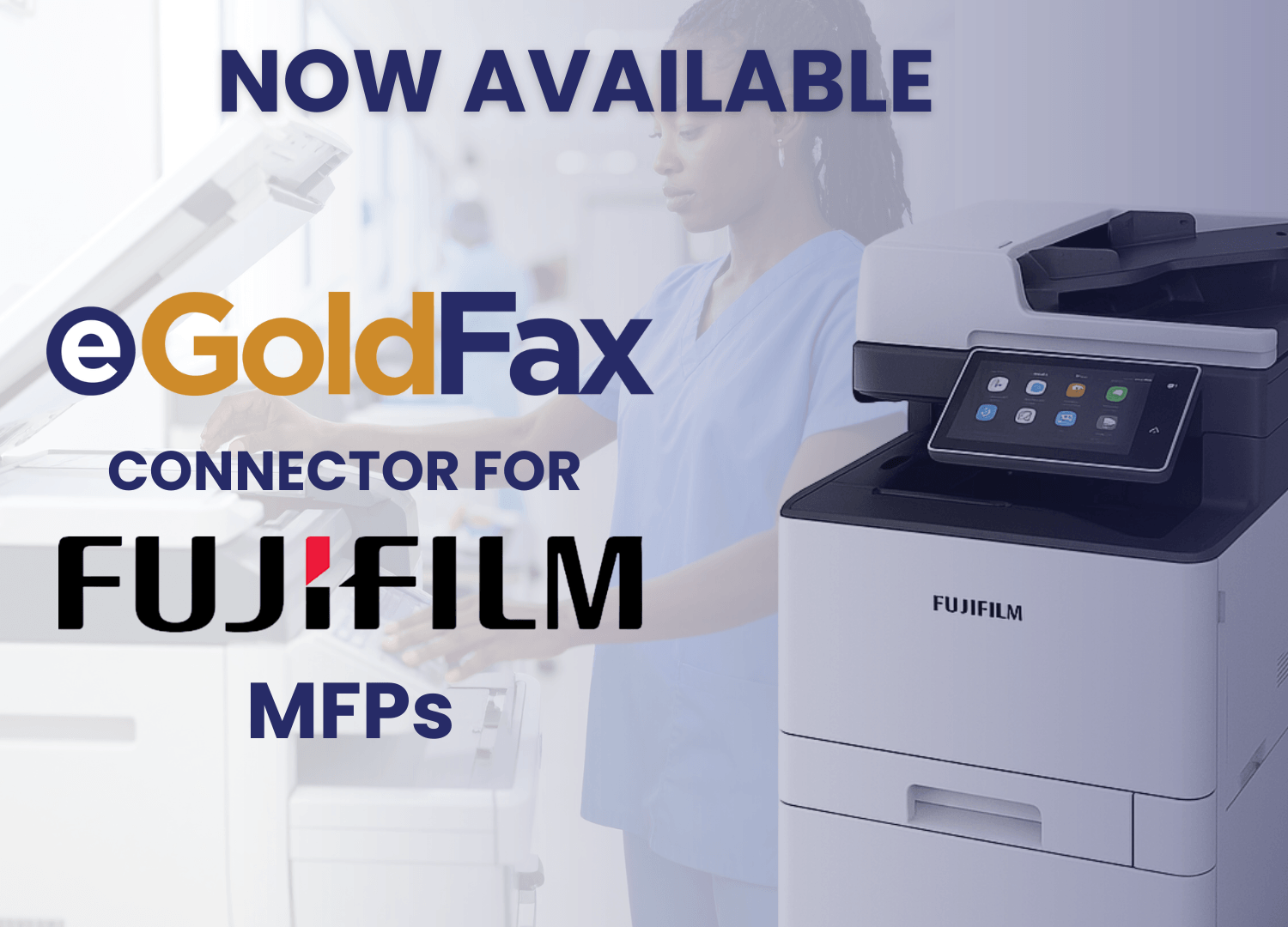
Fax machines have been a workplace staple for decades, but that doesn’t mean you need one to send a fax today. Some businesses try to solve this by buying a fax machine, adding a fax board to their MFP, or relying on a print shop down the street. None of these is a practical or cost-effective long-term solution. With eGoldFax, businesses can send and receive faxes four ways: directly from email, through the eGoldFax web portal, using the eGoldFax Desktop App, or straight from an MFP without a fax board or analog line. If you’re wondering how to fax without a fax machine, this blog walks you through everything you need to know.
For many businesses, traditional fax machines have become more of a liability than a tool. Here’s why organizations are moving away from them:
• Cost of hardware, paper, and maintenance: fax machines require ongoing investment in equipment, toner, paper, and dedicated phone lines that add up quickly.
• Inefficiencies in manual workflows: sending a fax manually means printing, walking to a machine, waiting, and hoping it goes through — none of which fits the pace of modern business.
• Limited accessibility for remote teams: employees working off-site have no way to send or receive faxes without being physically present at the machine.
• Risk of downtime and busy signals: traditional fax lines can only handle one transmission at a time, meaning busy signals and missed documents are a constant risk.
The good news is that faxing without a fax machine is not only possible, but it’s also better in just about every way.
No, and this is one of the most common misconceptions about faxing today. The myth is that faxing requires analog hardware and a dedicated phone line. The reality is that cloud fax technology handles all of that digitally, converting your document into a fax-compatible format and transmitting it securely over the same infrastructure traditional fax machines use. This is sometimes called "efax to fax machine," meaning a digital sender connects seamlessly with a recipient on a traditional fax machine, and vice versa. With eGoldFax, you get all the reliability of faxing without needing any hardware on your end.
Cloud fax technology is what makes faxing without a fax machine possible. Instead of routing transmissions through analog phone lines, eGoldFax routes your documents through secure, Microsoft Azure-hosted servers. Your fax is converted to a fax-compatible format, encrypted using HTTPS and TLS 1.2, and delivered to the recipient's fax number over PSTN (the public switched telephone network), the same infrastructure that traditional fax machines use. The difference is that eGoldFax does it entirely through your internet connection, with no hardware required on your end.
To get started with eGoldFax, you need three things:
• A stable internet connection
• An eGoldFax account
• Your document in a digital format, such as PDF or Word
That’s it. From there, eGoldFax handles the rest.
eGoldFax offers three flexible options for faxing without a fax machine, so you can choose whichever best fits your workflow.
Send faxes directly from your existing email client without any extra software. Attach your document to an email and address it to the recipient’s fax number, followed by @egoldfax.com(for example, 8005551234@egoldfax.com). eGoldFax automatically converts and delivers it as a fax. The transmission is encrypted in transit using TLS 1.2, so it remains compliant.
Log in to your eGoldFax account through any browser, upload your document, enter the recipient’s fax number, and send. The portal gives you a full fax history, delivery confirmations, and tools to manage users, routing rules, tags, cover pages, and more, all in one place.
The eGoldFax Desktop App is a Windows application that lets you fax directly from your computer using any application that supports printing. Select "Print to eGoldFax," attach your files, add a subject line or cover page, choose your recipients from Contacts, and send. Inbound faxes arrive in your inbox, where you can search, sort, and tag them for easy organization. Real-time outbox tracking shows whether each fax was delivered successfully, and confirmations can be sent to your email, a network folder, or a printer.
Switching to a cloud fax service like eGoldFax comes with real, measurable advantages over keeping traditional hardware around:
• Cost savings: eGoldFax eliminates expenses for MFP fax hardware, analog lines, and long-distance fax charges across the USA and Canada.
• Scalability: eGoldFax supports unlimited users and MFPs for free, so your faxing capacity grows with your business without buying more equipment.
• Remote access: your team can send and receive faxes from anywhere on any Windows device, without needing to be near a machine.
• Improved tracking: every fax comes with delivery confirmations, real-time status monitoring, and a searchable fax history so nothing falls through the cracks.
• 10-year free archive: all fax pages are stored as 256-bit AES-encrypted PDFs for over a decade at no additional cost.
Cloud faxing is especially valuable in industries that handle sensitive documents and operate under strict compliance requirements. Here are some of the most common use cases for eGoldFax:
• Healthcare: send patient records, referrals, lab results, and authorizations securely while staying HIPAA and HITECH compliant. eGoldFax will sign HIPAA Business Associate Agreements (BAAs), and the Desktop App integrates directly with Electronic Medical Record (EMR) systems.
• Legal and financial: transmit contracts, court documents, claims, and financial records with a full audit trail. eGoldFax meets compliance requirements for HIPAA, GDPR, PCI DSS, and SOX.
• Government and tribal entities: eGoldFax supports FedRAMP, NIST, and FISMA compliance through Microsoft Azure's Commercial and Government platforms.
• Education: eGoldFax helps educational institutions protect student and employee data while meeting FERPA and PPRA requirements.
• Multi-location businesses: centralized faxing across offices, clinics, or branches without managing hardware at every site. eGoldFax’s admin portal gives IT teams centralized, company-wide control over users, routing, and reporting.
Beyond convenience, eGoldFax offers something traditional fax hardware simply cannot: enterprise-grade security and compliance built into every transmission.
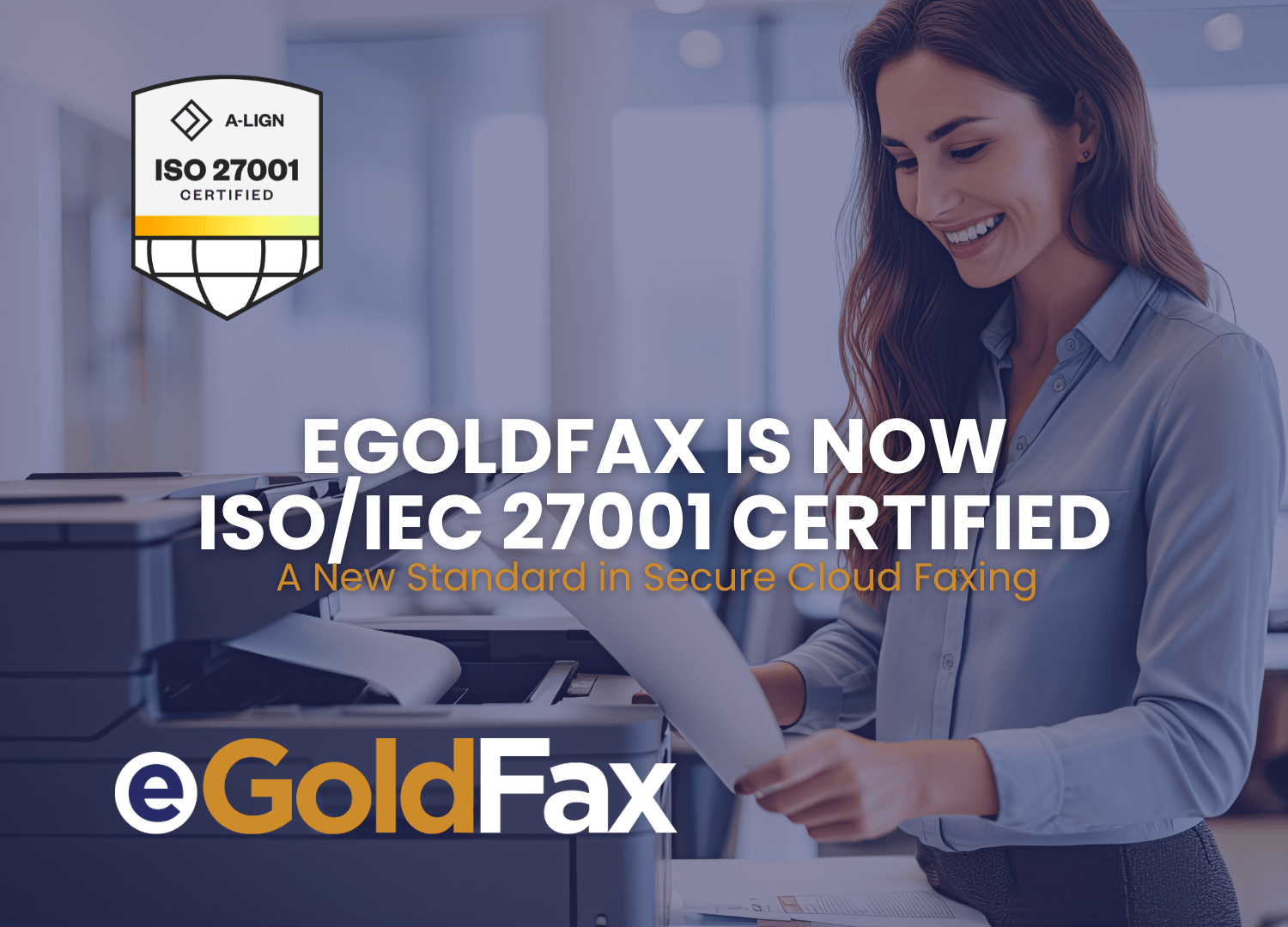
• Security and compliance: eGoldFax is ISO 27001 certified, PCI-DSS Level 1 compliant, and built on Microsoft Azure, which provides over 100 compliance certifications. Every fax is protected with TLS 1.2 and HTTPS encryption.
• Workflow integrations: eGoldFax connects with your existing business applications and databases via XML, SQL, and the eGoldFax API. Inbound faxes can be automatically routed to email, network folders, MFPs, or the Desktop App.
• Reliability: eGoldFax's Never Busy feature ensures you never miss an inbound fax, and real-time delivery confirmations mean you always know your fax went through.
eGoldFax is a secure cloud fax platform built for businesses that need reliable, compliant faxing without the hardware. Whether you’re a small team or a large enterprise, getting started is straightforward.
• Simple onboarding: get set up in minutes with no hardware installation required. Admins can distribute the Desktop App by invitation email or through IT-managed deployment.
• Fax from any device: send and receive faxes from email, the web portal, or the eGoldFax Desktop App on any Windows computer.
• Unlimited users and MFPs at no extra cost.
Ready to leave the fax machine behind? Sign up for eGoldFax today.
eGoldFax
1409 Glenneyre St., Suite B
Laguna Beach CA 92651
(714) 695-1000
eGoldFax is ready to provide your business with cloud faxing solutions.
START FAXING NOW